
For shops with more than one outlet
Inventory and POS software for shops with more than one branch
When you cannot stand in every shop, you need each outlet's stock, sales and staff in one place. Storbriz counts stock per outlet, moves it between branches with a confirmation at the other end, and keeps each member of staff inside the outlets you assign.
- Stock counted per outlet
- Transfers confirmed by the receiving outlet
- Staff scoped to their outlets
What gets harder with every new branch
You only know a branch's stock when someone calls you
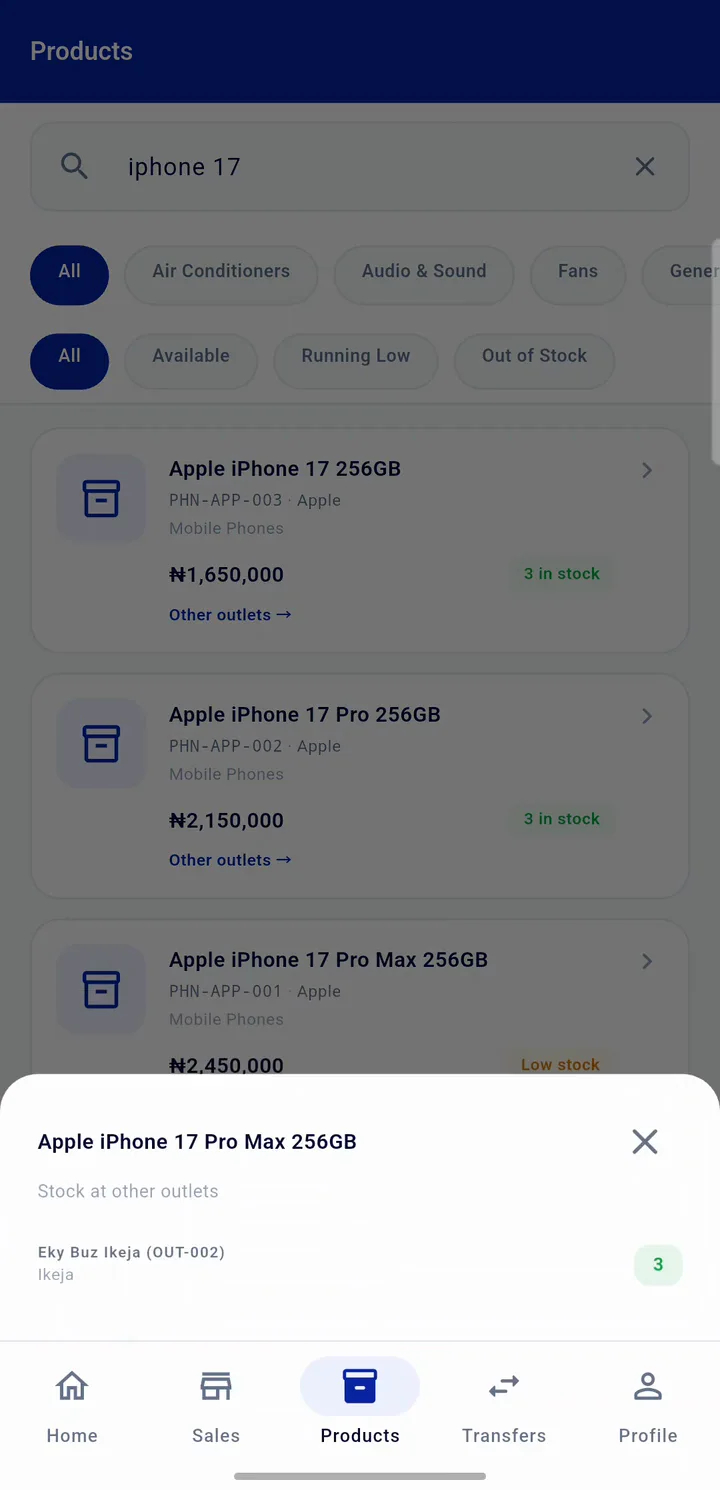
Each outlet in Storbriz holds its own quantities, updated by every sale, adjustment and transfer. The owner view shows all outlets together, and you can filter to any one of them.
Stock leaves one shop and never quite arrives at the other
A transfer is created at the source, dispatched, and then received or rejected by the destination outlet. Stock leaves the source on dispatch and only lands at the destination when staff there confirm it. A rejected transfer returns the stock to the source.
Staff at one branch can see everything
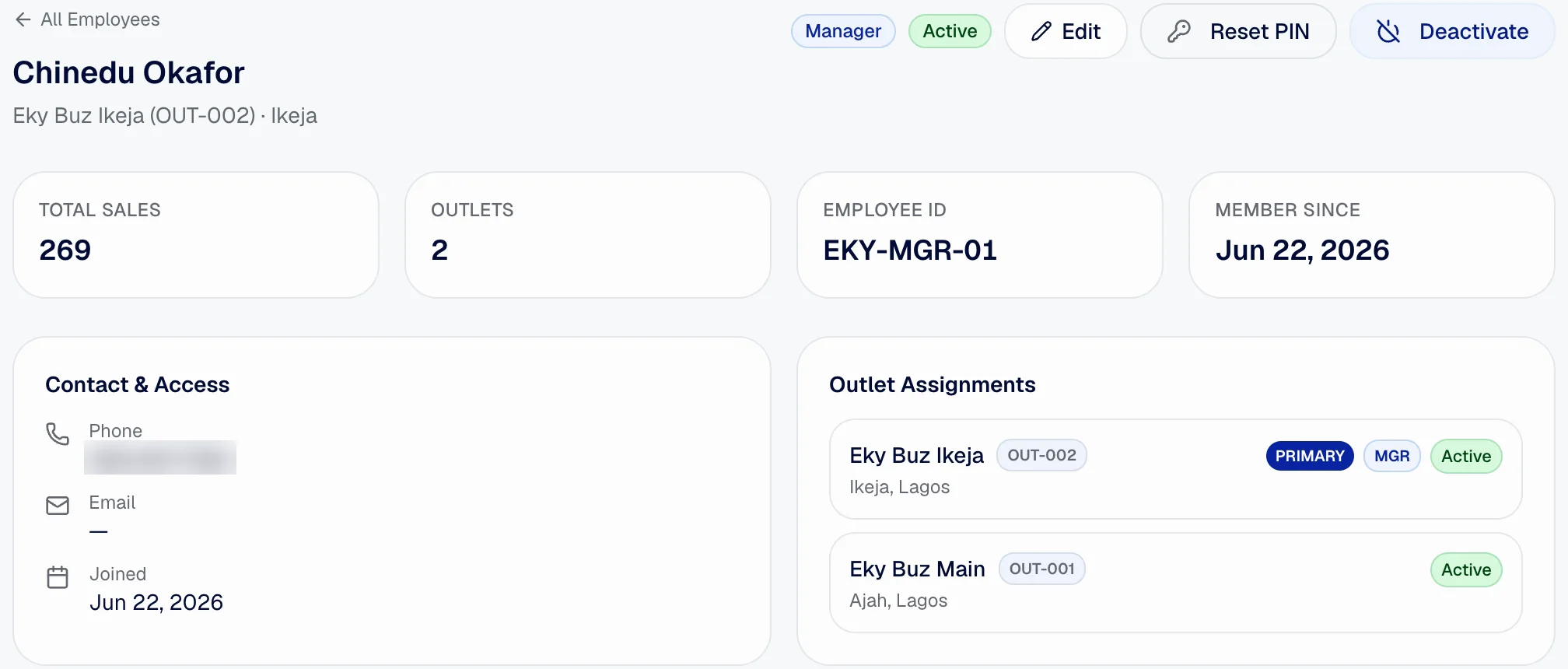
Assign each member of staff to one or more outlets. They only see and sell from those outlets, and an outlet manager sees their own outlet's dashboard, stock and alerts.
Comparing branches means waiting for end-of-month figures
Reports compare revenue, transactions, units sold, top products and the best salesperson across outlets for any date range you pick.
How stock moves between outlets
Every step is recorded against the person who did it, and every stock change creates a movement record at the outlet it affects.
Create the transfer
An owner, a permitted admin or the source outlet's manager picks the destination and the products. Storbriz checks the source has the stock.
Dispatch it
On dispatch, stock is taken out of the source outlet and the destination outlet's staff are notified that a transfer is on the way.
Receive or reject at the destination
Staff assigned to the destination confirm the goods have arrived, and stock is added there. If they reject it, the stock goes back to the source.
Check the history
Each transfer keeps who created, dispatched and received it, with dates. The transfer report lists them all by outlet and status.
Control every outlet from one account
Per-outlet stock and thresholds
Quantities and low-stock thresholds are set per product, per outlet.
Transfers with confirmation
Dispatch from one outlet, receive or reject at the other. Stock updates at both ends.
Outlet-scoped staff
Staff log in with an Employee ID and only work in the outlets they are assigned to.
Outlet manager dashboards
Managers see their own outlet's sales, stock, low-stock alerts and incoming transfers.
Outlet comparison
Revenue, transactions, units sold, top products and best salesperson by outlet, for any date range.
Audit trail
Every stock change is recorded with the outlet and the staff member. Full audit logs are on the Business plan and above.
Good to know before you start
- Running more than one outlet and transferring stock needs the Growth plan or above. Each plan sets how many outlets you can open.
- A transfer is received as a whole. Recording a partial delivery or a shortfall is not available yet; reject the transfer and send a corrected one instead.
- Prices are in naira today. Other currencies are not supported yet.
- Storbriz needs an internet connection. There is no offline mode yet.
Questions shop owners ask
How many outlets can I run on Storbriz?
Can my staff work in more than one outlet?
When does stock leave the sending outlet?
Can an outlet manager see other branches?
Can I compare how each branch is doing?
Put every outlet in one account
Add your outlets and staff, set stock per branch, and move goods between them with a record at both ends.